Your notch, hired.
They laughed at the notch. Now it answers back.
Join Waitlist
macOS Sonoma 14.2 and newer
They laughed at the notch. Now it answers back.
ask questions, make concepts, summarize content, find
files all inside your notch in once click
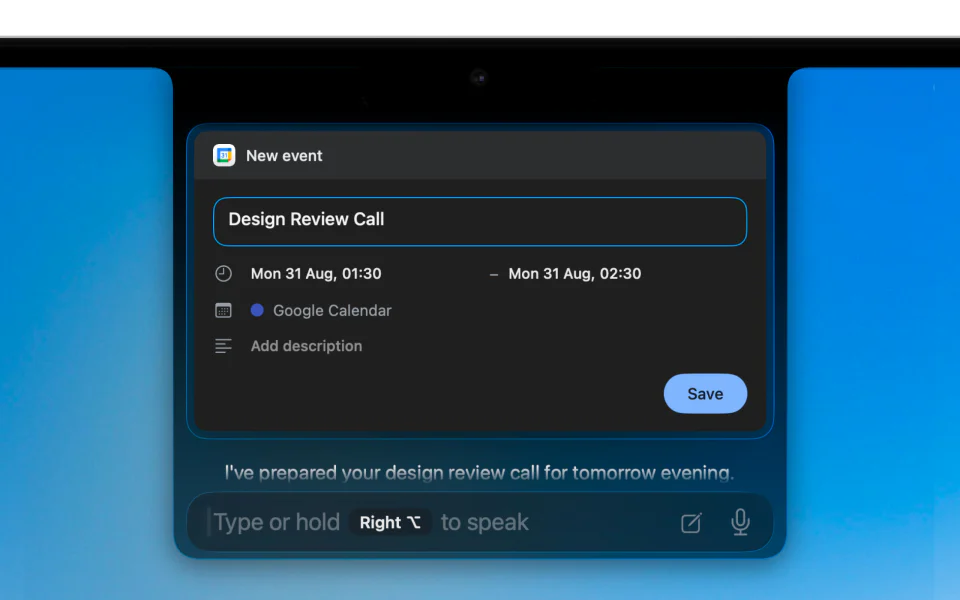
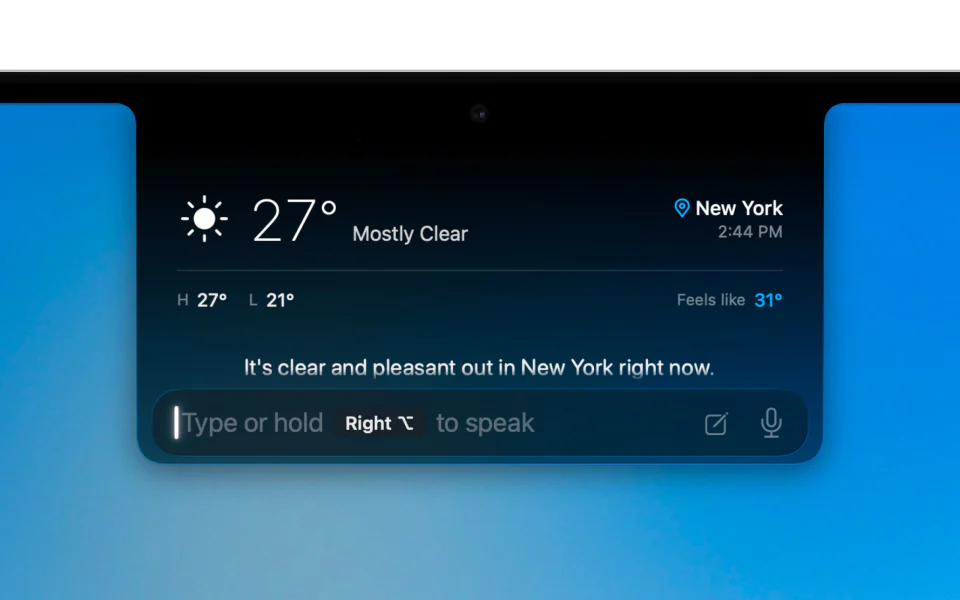
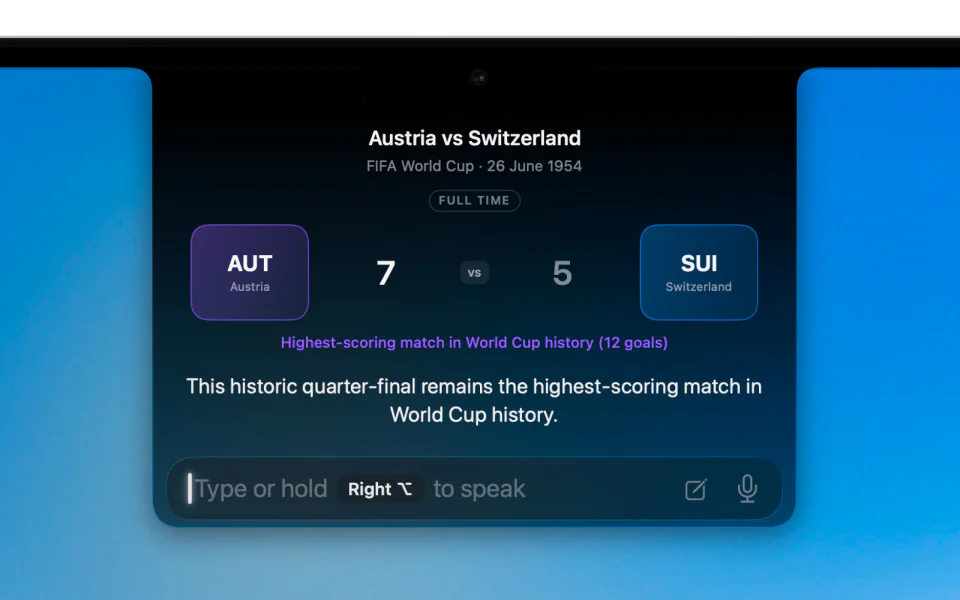
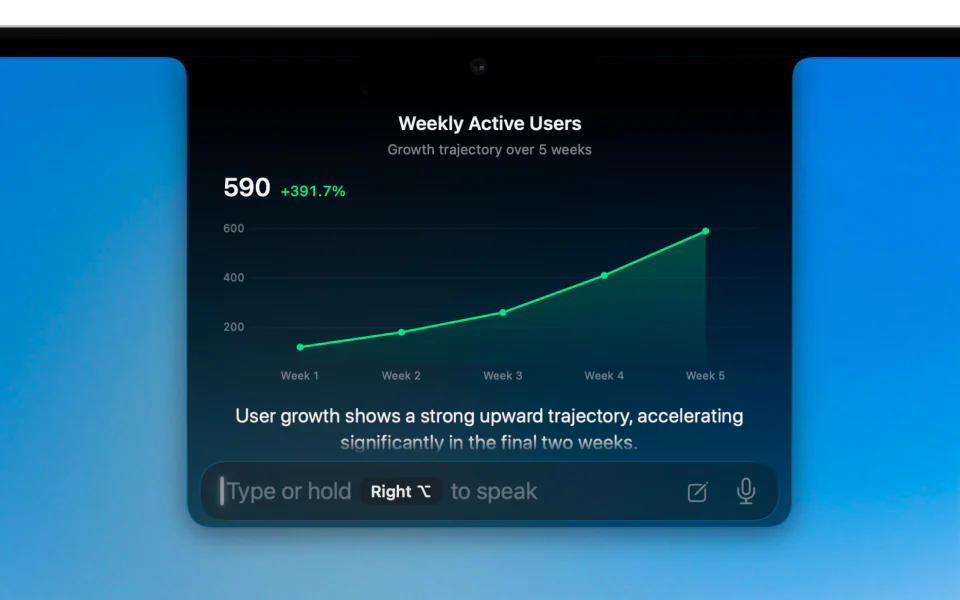
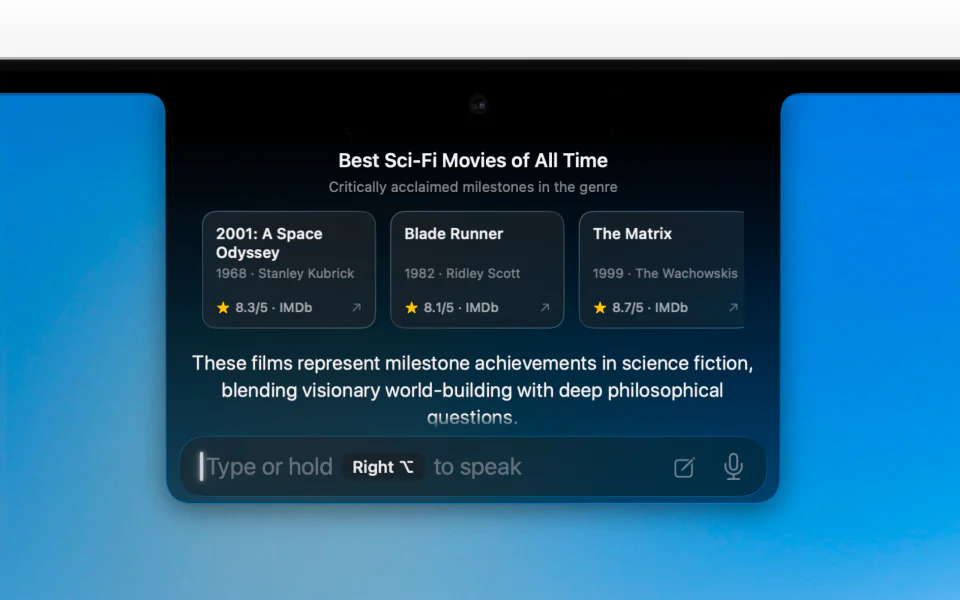
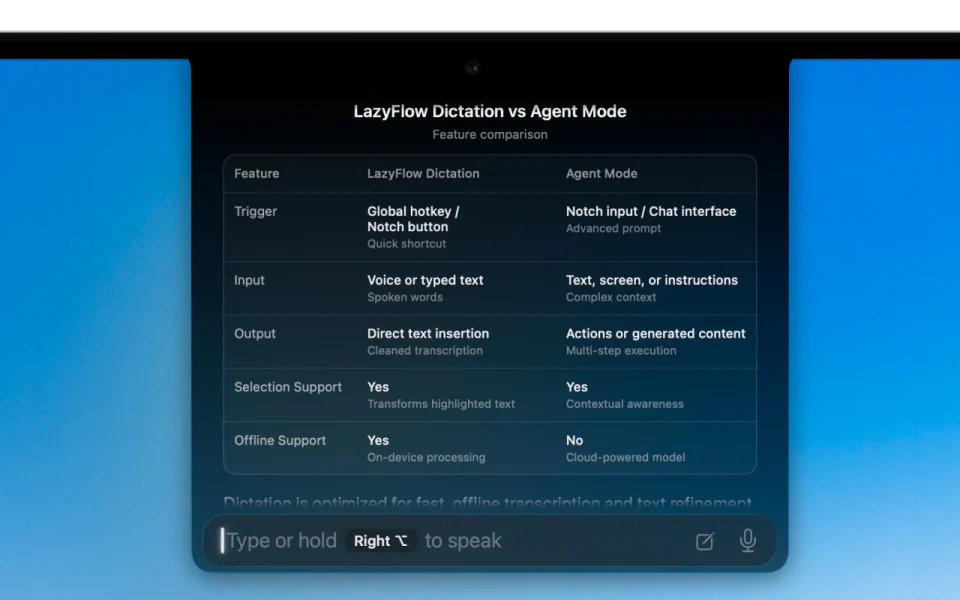
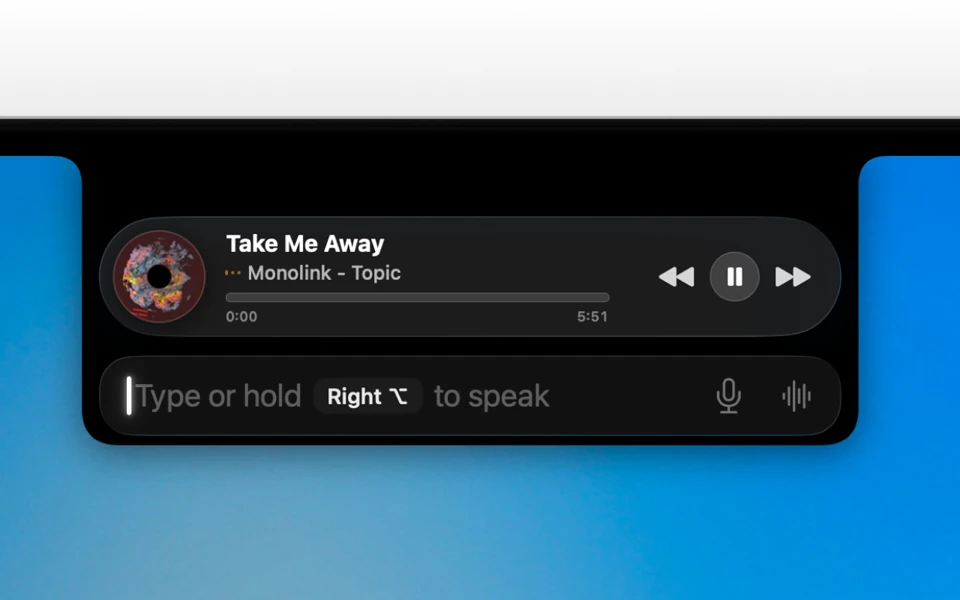
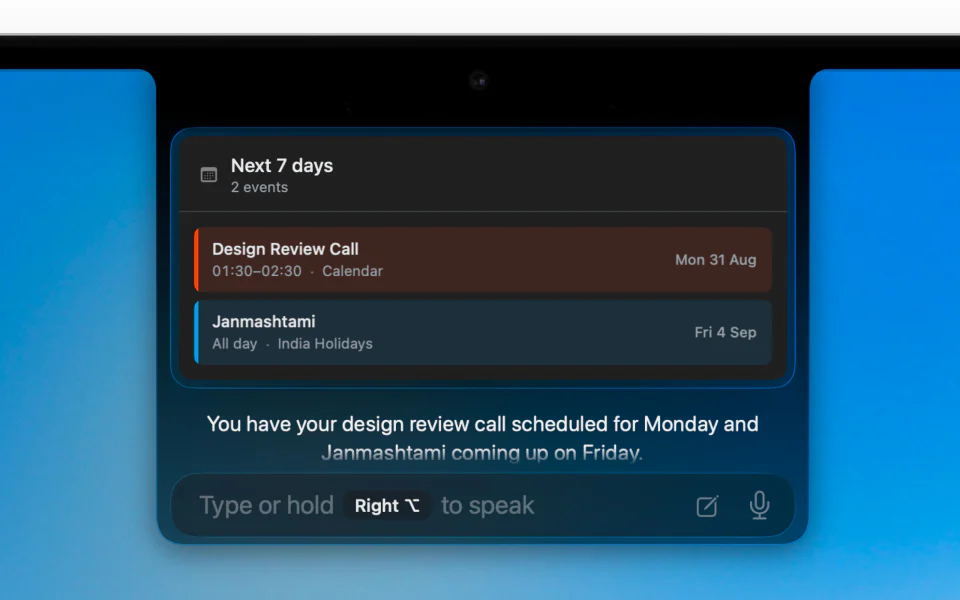
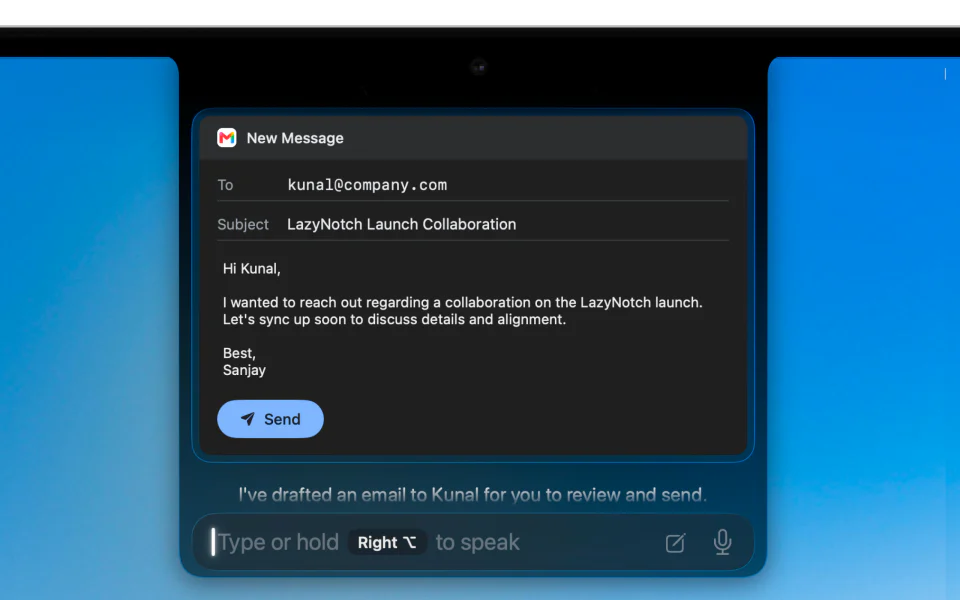
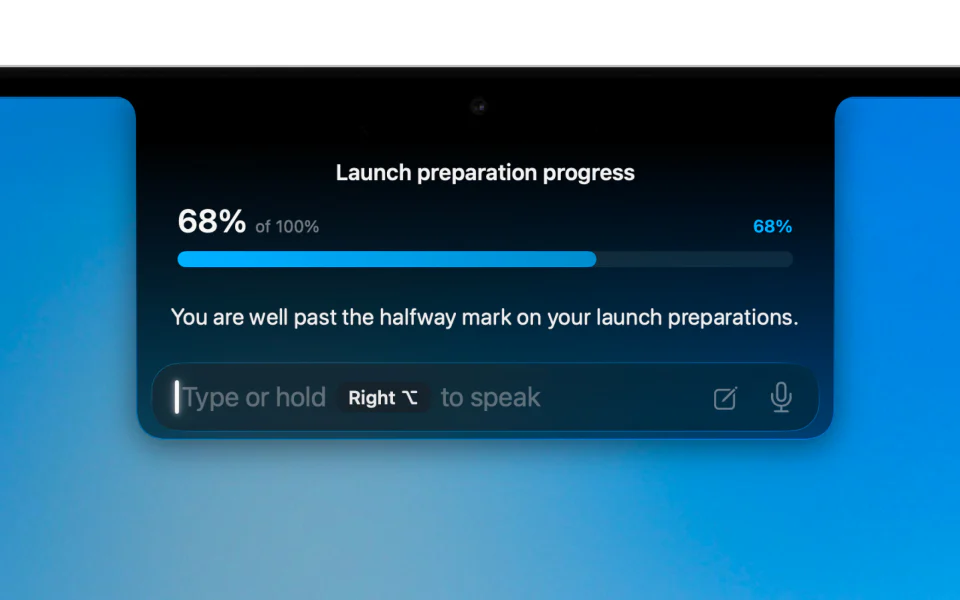
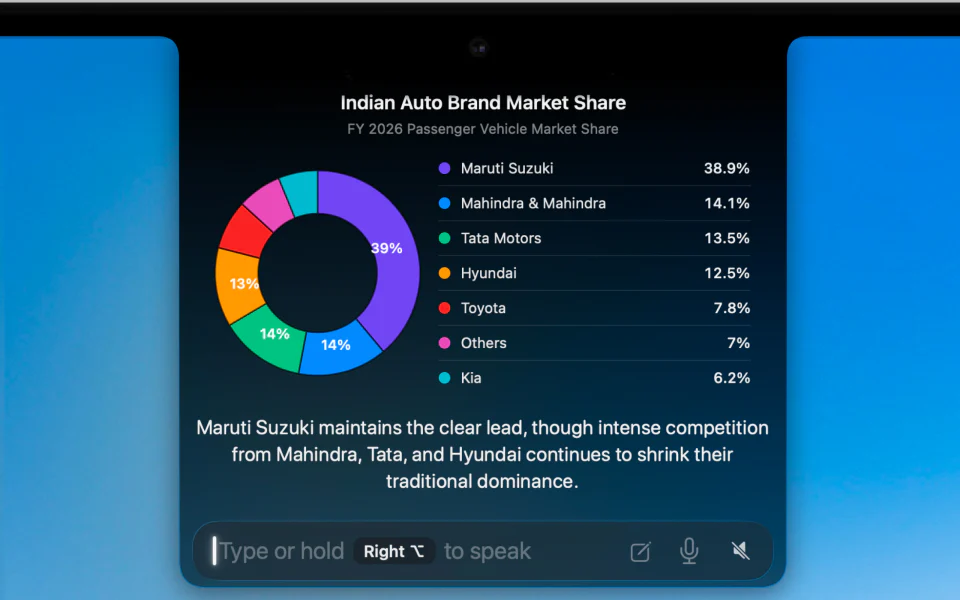
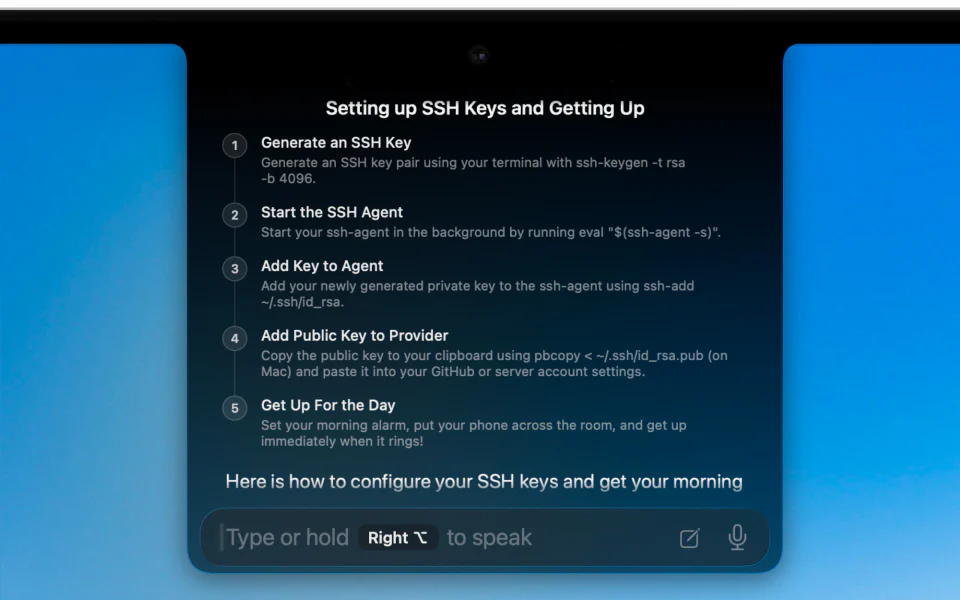
No walls of text. LazyNotch creates compact, interactive answers designed around what you want to do next.
no need to open the app, just connect all your apps
and let the notch do the work for you


You don't have to screenshot it or explain what you're looking at.
Ask about whatever's on screen, and if it's a task, it'll click through it for you.

Ramble into your notch and it hands back
a sentence you can actually send.
um... so basically... i think we should, maybe, you know, like... focus on the the main idea and, uh, sorry, forget what i was saying...
LazyFlow turns your rough thoughts
into clear text, way faster.
170 WPM
Voice-controlled writing and rewriting anywhere on your Mac.
Select existing text and ask Agent to correct, shorten, translate, restructure, or change its tone.
With nothing selected, speak one instruction and Agent writes emails, replies, notes, lists, captions, and more.

Nothing is stored. Nothing is trained on.
In and out, then gone.
Be first in line.
Your notch is about to get hired.
The questions people keep sending us.
If yours isn't here, reply to the waitlist email.
That black bar at the top of your MacBook does nothing all day. This puts something useful in it. Ask it questions, tidy up messy writing, connect your apps and let it run small jobs, all without opening a window.
No. It looks at your screen when you ask it something, and not a moment before. Nothing runs in the background, nothing gets recorded, and nothing is logging what you do in between.
Whatever it needs to answer your question gets processed, and then it's gone. Nothing is kept on a server and nothing is fed into training data. In and out.
Answer questions about whatever you have open, turn rambling into a clean sentence, make images, summarise long things, dig up files you can't find, and run small jobs across your apps. If it's a task rather than a question, it will click through it for you.
Claude can handle many of the same thinking tasks. LazyNotch is the layer between that intelligence and what you're already doing on your Mac: your screen, selected text, files and apps. Instead of opening a chat, explaining context, copying an answer and switching back, you speak once and LazyNotch writes at your cursor, guides the click or runs the workflow.
Asking is a one-off. You want an answer, a summary, a paragraph cleaned up. Handing it a job is when you set it off on something with steps, like moving information between two apps, and it works through them on its own.
Connect Gmail, Google Calendar, Google Drive, Google Sheets, YouTube, Notion, Todoist, TickTick, Outlook, Slack, GitHub, Linear, Figma, HubSpot, Salesforce, Airtable and WhatsApp Business. LazyFlow also writes into editable fields across your Mac.
For now, yes. LazyNotch currently requires a MacBook with a notch and an external monitor. We're also working on support for laptops without a notch.
It does nothing at all until you call it. Sitting there idle, it stays out of your way.
No. There's no window to manage and no dock icon to lose. Click the notch and it's there, click away and it's gone.
Still being argued about internally. What we can say: there will be a free tier, we're not charging per seat, and whatever number we land on, people on the waitlist pay less than everyone else.
Not yet, but soon. Leave your email on the waitlist and we'll send the download link the day it ships. One email, then we leave you alone.